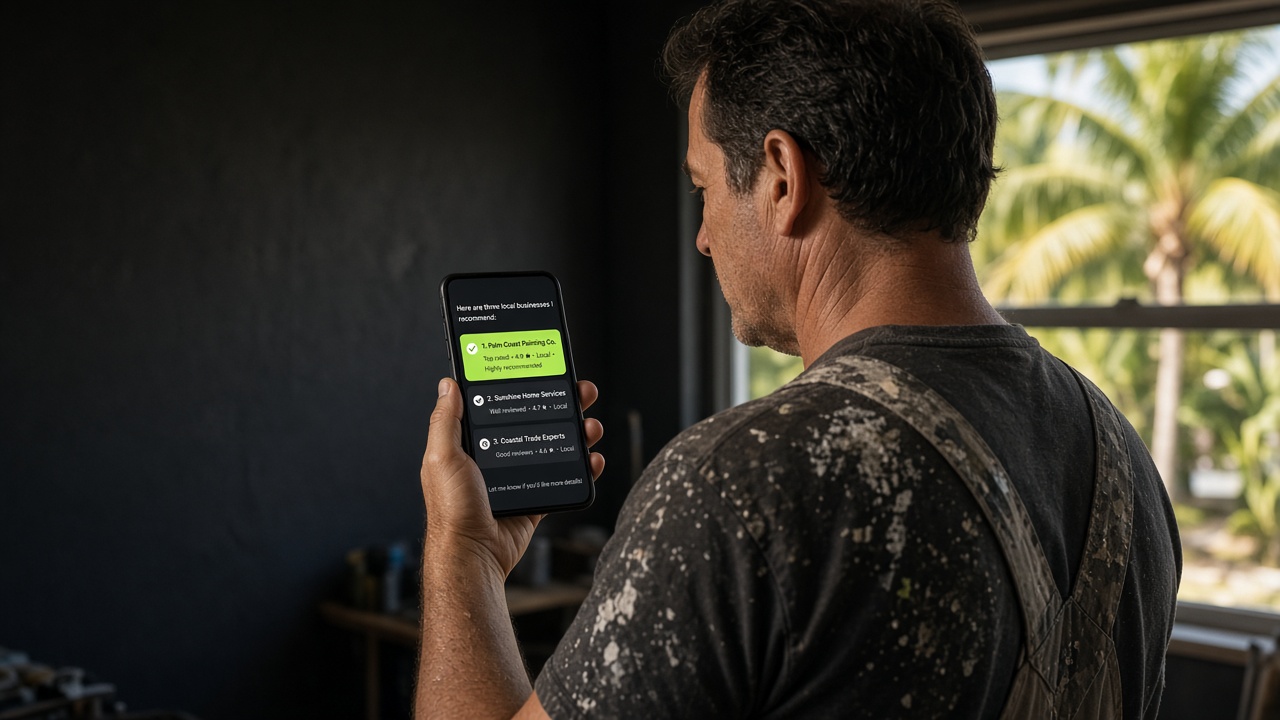
Short answer: there is no button to pay for, or ask for, a spot in ChatGPT's answers. What you can do is make your business easy to find, easy to verify and easy to trust. That means a claimed listing, accurate details everywhere, real reviews, clear service pages and a website AI tools are allowed to read.
None of this promises you a spot. Nobody honest can promise that. But every step below removes a reason for an AI tool to skip you.
Why this matters for a local business in Florida
Your customers ask questions differently now. Instead of typing "painter Cape Coral," some ask a chatbot, "Who's a good painter in Cape Coral who can start next week?" The tool answers with a short list of names.
If you're not on that short list, that customer may never see your website. That's the whole issue in one sentence.
The good news: most of what helps here is the same basic work that helps on Google Maps. If you've been putting off cleaning up your listings, this is a good reason to do it now.
One example from our own work: a medical clinic that moved from Fort Myers to Naples. Its Google presence was a mess of discontinued addresses and inconsistent details across different listings. We cleaned it up and unified everything around the new location, so the move was safer and the new address could start building trust on its own, instead of competing with old, outdated information.
How do ChatGPT and Google decide which businesses to mention?
Nobody outside these companies knows the full formula. But here is what the companies themselves say.
OpenAI now lets businesses claim their listing in ChatGPT through a tool called Business Hub. Its help center article on setting up your business on ChatGPT also says ChatGPT "may also draw on other sources." So your listing is one input, not the only one.
Google says there are no special tricks for AI Overviews (the AI summary at the top of some searches) or AI Mode. Its guidance on AI features and your website says normal SEO basics still apply. That list includes "Checking that your Merchant Center and Business Profile information is up-to-date."
For local results, Google's Business Profile tips on local ranking say local results are mainly based on relevance, distance and popularity. Google describes prominence as how well-known a business is, based partly on how many websites link to it and how many reviews it has.
My opinion: AI tools tend to favor what customers favor. A business that looks real, consistent and active in many places is simply easier to recommend.
Want the bigger picture? We wrote about why keyword-only strategies are losing ground to answer engines and how brands get pulled into AI-generated answers. This post is the hands-on version.
The checklist: 7 steps you can start this week
1. Claim your business in ChatGPT
Sign in to ChatGPT, open Business Hub from the sidebar and search for your business by name. You verify that you own it with one of the methods offered, such as business phone, business email or website domain. OpenAI then asks for an identity check through a service called Persona before you can publish changes or see insights.
According to OpenAI, local stores and restaurants can currently claim only an existing U.S. listing. If you can't find yours, start with steps 2 and 3 and check again later.
Once you're approved, Insights shows activity over the past 28 days, including mentions and website clicks. For a local business, OpenAI says a mention counts when ChatGPT shows a result for that location. That's one of the first direct ways to see whether ChatGPT shows you at all.
2. Finish your Google Business Profile
Your Google Business Profile is the free listing that shows up on Google Maps and Search. Google says businesses with complete and accurate info are more likely to show up in local results.